



An office laser printer is a workhorse. It handles contracts, invoices, reports and presentations every day. When it fails, work stops. Industry data shows unplanned printer downtime costs businesses an average of 2 hours per incident, disrupting workflows and delaying deliverables. Regular maintenance prevents most failures. VRS Technologies LLC provides printer rental and maintenance services across Dubai and the UAE, helping businesses keep their equipment running reliably.
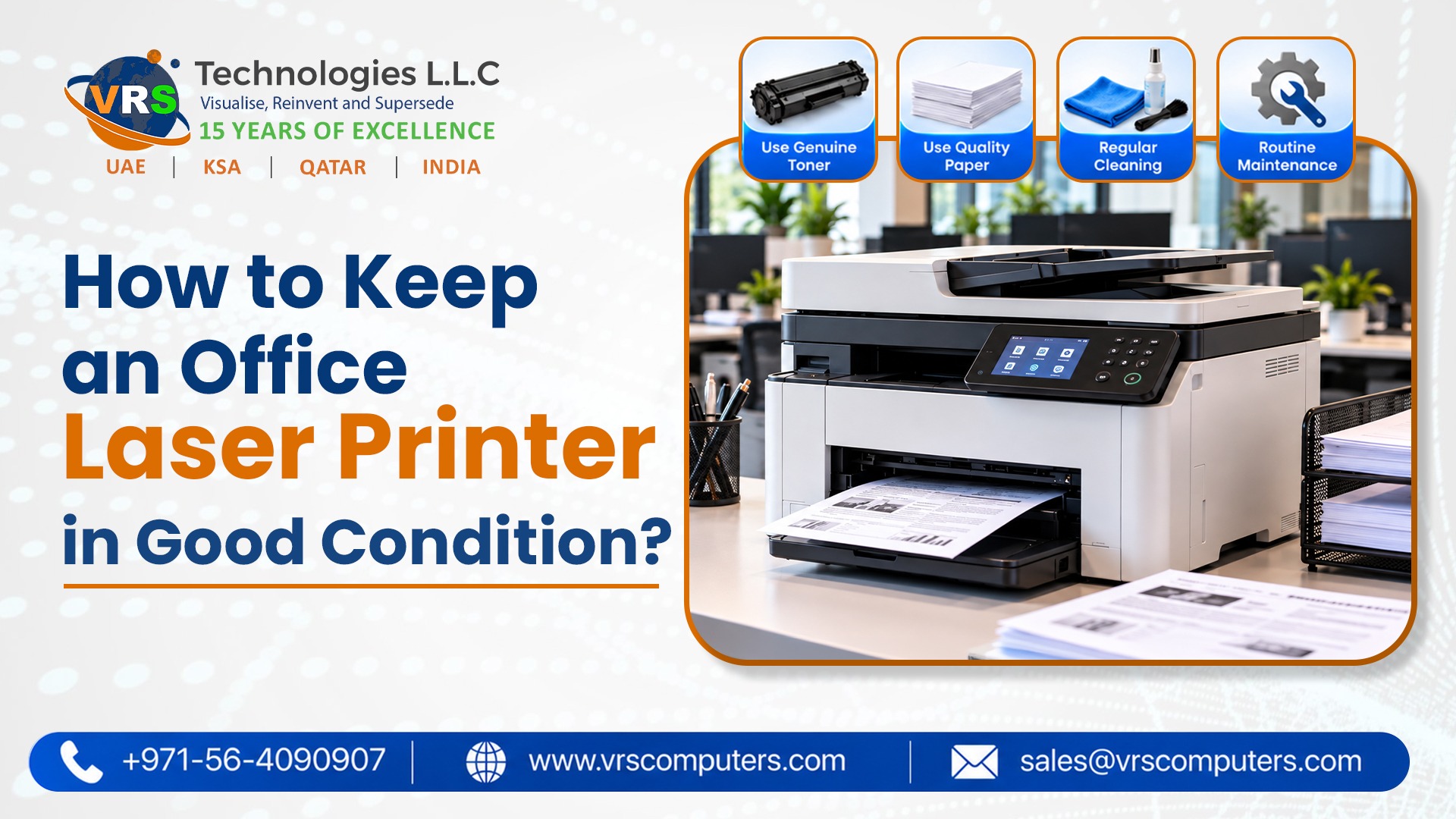
Clean the Printer Regularly
Dust, paper fibers and toner particles accumulate inside laser printers. This buildup causes print quality issues and mechanical failures.
What to clean:
- Exterior – Wipe with a soft, lint-free cloth. Avoid liquid cleaners that can seep inside.
- Paper feed rollers – Clean with a dry cloth or compressed air to prevent paper jams.
- Corona wire – Gently clean with the printer’s built-in cleaning tool or a cotton swab.
- Interior – Use compressed air to remove loose toner and dust particles.
- Glass and sensors – Wipe with a dry cloth to ensure accurate scanning and printing.
Cleaning frequency depends on usage. High-volume offices should clean monthly. Low-volume offices can clean quarterly.
Use Quality Toner and Paper
Cheap toner and low-grade paper cause more problems than they save in cost.
Toner considerations:
- Use OEM or high-quality compatible toner
- Avoid refilled cartridges that can leak and damage internal components
- Store toner in a cool, dry place away from direct sunlight
Paper considerations:
- Use paper within the recommended weight range
- Store paper in a dry environment to prevent moisture absorption
- Fan paper before loading to prevent static and jams
- Avoid wrinkled, torn, or folded sheets
Poor-quality consumables damage rollers, drums and fuser units over time.
Manage Print Volume and Duty Cycle
Every laser printer has a recommended monthly duty cycle. Exceeding this limit accelerates wear and causes premature failure.
Best practices:
- Track monthly print volume
- Distribute printing across multiple devices if volume is high
- Allow the printer to rest between large jobs
- Avoid continuous printing for hours without breaks
If your office regularly exceeds the printer’s recommended capacity, consider upgrading to a higher-volume model or adding a second printer.
Update Firmware and Drivers
Printer manufacturers release firmware updates that fix bugs, improve performance and address security vulnerabilities.
What to do:
- Check for firmware updates every few months
- Install driver updates on connected computers
- Enable automatic updates if available
- Restart the printer after firmware installation
Outdated firmware can cause connectivity issues and expose the printer to security risks.
Handle Paper Jams Carefully
Paper jams are inevitable. How you clear them affects long-term reliability.
Proper jam removal:
- Turn off the printer before removing jammed paper
- Pull paper gently in the direction of the paper path
- Check for torn pieces that may remain inside
- Inspect rollers for damage or wear
- Close all panels securely before restarting
Yanking paper forcefully can damage rollers and sensors.
Schedule Professional Maintenance
Even with regular cleaning and careful use, laser printers need professional servicing.
Professional maintenance includes:
- Inspection of rollers, drums and fuser units
- Replacement of worn components
- Internal cleaning and calibration
- Firmware and driver updates
- Performance testing
For businesses using rented printers, maintenance is typically included in the rental agreement. This ensures devices are serviced regularly at no extra cost.
Final Thoughts
Maintaining an office laser printer involves regular cleaning, quality consumables, proper volume management, firmware updates and professional servicing. For businesses in Dubai seeking reliable Printer Rental Dubai with maintenance included, choose a provider who handles servicing so you can focus on operations.
VRS Technologies LLC provides printer and photocopier rentals with full maintenance support across Dubai and the UAE. Visit www.vrscomputers.com to learn more. Call +971-56-4090907 to discuss your printer requirements today.



 IT Infrastructure


