



To achieve smooth gameplay, unparalleled responsiveness, and superior multitasking, a sufficient amount of laptop’s resources is required. But over time even the most potent gaming laptops suffer from sluggishness which in turns reduces the gaming experience. Whether it is the lag during an exciting phase of the game, or load times taking a longer than expected duration, there are a set of methods that can certainly help in improving the activities carried out on the gaming laptop.
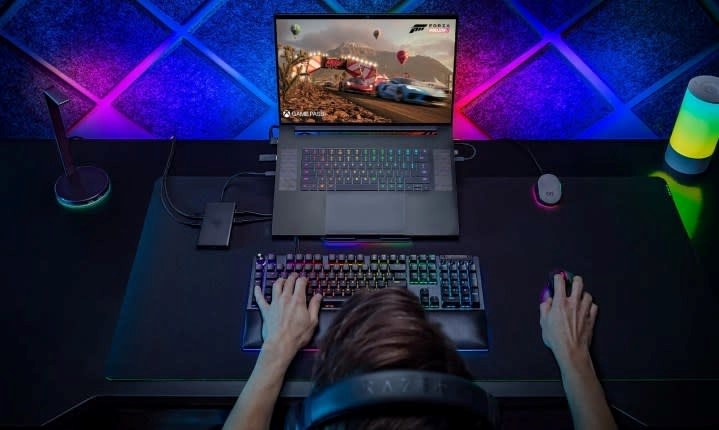
Signs Your Gaming Laptop Needs a Hardware Upgrade
- Update Drivers and Software
Maintenance of all the laptop’s drivers is essential and skipping on a single one can lead to adverse effects on the performance of your laptop. In order to enhance performance and avoid complications, always remember to update the graphics, sound, and network drivers linked to the device. Furthermore, updating the operating system alongside the game files also increases the performance due to recent optimizations and bug fixes offering a simple resolution to resolve sluggishness issues.
- Optimize Game Settings
Another simple method to perform on the gaming laptops includes adjusting the peripherals to achieve the best performance and visual balance ratio. Targeting the settings which include resolution, shadow quality, and texture detail can result in better executions during the game. Enabling Performance Mode through the laptop settings is also an available option that allows prioritization of speed rather than visuals and in turns leads to smoother actions during the game.
- Clean Up Your Hard Drive
The clutter on your hard drive can slow down your PC. Consider deleting old applications, games, and files that you no longer use. To aid system performance and accuracy, consider using tools like Disk Clean-up, or other cache cleaners that remove defunct files. Optimization of read/write speeds can greatly enhance primary and secondary system functions, so if you are still using an HDD, switch over to an SSD.
- Increase RAM or Upgrade Storage
In terms of gaming, having Adequate RAM is necessary. Consider upgrading your laptop’s RAM from 8GB to 16GB, and replace the Hard Disk Drive with a Solid-State Drive (SSD) for faster boot times, improved loading of game files, and faster access to saved files.
- Manage Background Processes
Without you knowing, background processes could be consuming a lot of your computer’s power. To check for unnecessary applications running, click the Task Manager (Ctrl + Shift + Esc). If any applications are using resources without contributing to the gameplay, get rid of them. To maximize CPU and RAM, close all non-essential programs running on start-up.
- Optimize Cooling
Overheating can greatly impact the performance of a device. Make certain that the cooling system functions properly. Dust the cooling fans, and use a cooling pad for better airflow. During marathon gaming sessions, use software that monitors the temperature to prevent overheating.
Conclusion
Following the provided procedures will allow proper maintenance to improve the speed of the gaming laptop and the overall user experience. Routine maintenance, settings optimization, component upgrades, and steady monitoring will ensure you get the best value from the machine.
If you seek a high-performance gaming laptop for a short duration, VRS Technologies LLC offers trusted Gaming Laptop Rental in Dubai.
For more information, visit www.vrscomputers.com or contact us at +971-4-3866012.



 IT Infrastructure


